In the highly competitive world of e-commerce, every product page is a strategic opportunity to attract new customers and boost your store’s overall visibility. Optimizing product pages for SEO is an essential step to stand out in search results, drive qualified traffic, and increase sales. At Chrono SEO, we help e-commerce managers and website owners automate and enhance their natural referencing. In this comprehensive guide, discover all the keys to creating the perfect product page and maximizing its SEO impact.
Why SEO Optimization of Product Pages Is Essential
Your product page is not just a simple presentation—it’s the very core of your e-commerce SEO strategy. A well-structured, optimized page dramatically increases your store’s visibility in search results, improves user experience, and drives conversions. Yet, many online retailers still underestimate the impact of rich, relevant, and technically sound content on their catalog’s overall performance.
Visibility and Conversion: The Winning Pair
An optimized product page meets both Google’s algorithms and your customer’s expectations. Well-crafted titles, detailed descriptions, high-quality images, and reviews all work together to reassure buyers and highlight your products. By focusing on natural SEO, you attract more qualified traffic, ready to make a purchase.
A Lever for Internal Linking and Content Strategy
SEO-optimized product pages make internal linking easier—connecting products, categories, and blog articles in a logical way. This not only improves navigation but also strengthens the SEO power of your strategic pages.
The Essentials of an SEO-Friendly Product Page
To perform well in search, your product page needs a solid architecture and unique, user-focused content. Here are the key elements to include:
1. Choosing the Primary Keyword and Secondary Keywords
Each product page should target a main keyword—ideally, a high-intent purchase query (e.g., “men’s running shoes size 11”). Add in secondary and semantic keywords to expand your reach and capture wider search traffic.
2. Writing a Clear, Unique, and Optimized Title
The product title (both title tag and H1 heading) must include the main keyword while staying natural and appealing. Keep it explicit and concise, and avoid keyword stuffing.
3. Crafting Compelling Meta Descriptions
While meta descriptions don’t directly affect rankings, they do impact click-through rates. Write engaging, keyword-rich sentences that make users want to learn more about your product.
4. Effective Short and Long Descriptions
The short description (or “snippet”) summarizes the main benefits of your product in one or two lines. The long description digs deeper: detail features, advantages, use cases, and highlight customer benefits. Always use unique, informative, and user-oriented content.
5. Optimizing HTML Tags for Structure
Structure your page with H2 and H3 headings, bullet points, tables, and optimize image alt attributes for better search engine understanding.
6. High-Quality, Optimized Images
Use relevant, high-quality images with descriptive, SEO-friendly alt attributes. A well-chosen image improves user experience and can drive extra traffic from Google Images.
7. Authentic and Highlighted Customer Reviews
Customer reviews build trust and add fresh content—something search engines love. Display them prominently to reinforce your product’s credibility.
8. Clear Calls-to-Action
Add-to-cart buttons, prompts to explore a related product category or read a detailed buying guide—every CTA should guide users to the next step in their shopping journey.
Step-by-Step: How to Optimize a Product Page
Let’s get practical with a proven methodology, suitable for all major e-commerce platforms and easily automated with tools like Chrono SEO.
1. Keyword Research and Selection
Use tools like Google Keyword Planner, SEMrush, or Chrono SEO’s smart analysis to find relevant queries. Analyze competitors, seasonality, and keyword intent. Favor transaction-oriented phrases tailored to your products.
2. Writing Effective Titles and Tags
The main title should include the product name, distinctive features, and optionally the brand. Balance SEO optimization with user appeal—seduce both Google and your shoppers.
3. Creating Rich, Differentiated Descriptions
Never copy-paste! Duplicate content hurts your SEO. Write unique text that highlights usage benefits, materials, care tips, and reassurance factors (warranties, delivery, customer service).
Example of an Optimized Long Description
For a “bamboo hairbrush”:
- Eco-friendly bamboo brush, suitable for all hair types.
- Stimulates scalp circulation and reduces breakage.
- Perfect for gentle detangling and sebum distribution.
- Durable, lightweight, and easy to clean.
4. Clear Product Page Structure
Break down your page into distinct sections: overview, technical specs, usage tips, reviews, and complementary products. Use tables for technical data where appropriate.
| Feature | Details |
|---|---|
| Material | Natural bamboo |
| Dimensions | 22 cm x 6 cm |
| Suitable for | Fine, thick, curly hair |
5. Optimizing Images and Structured Data
Include a quality image with a descriptive, SEO-optimized alt attribute (e.g., “eco-friendly bamboo hairbrush for all hair types”). Use Schema.org markup to highlight key info (price, availability, reviews) for search engines.
Here’s an illustration of image optimization on a product page:
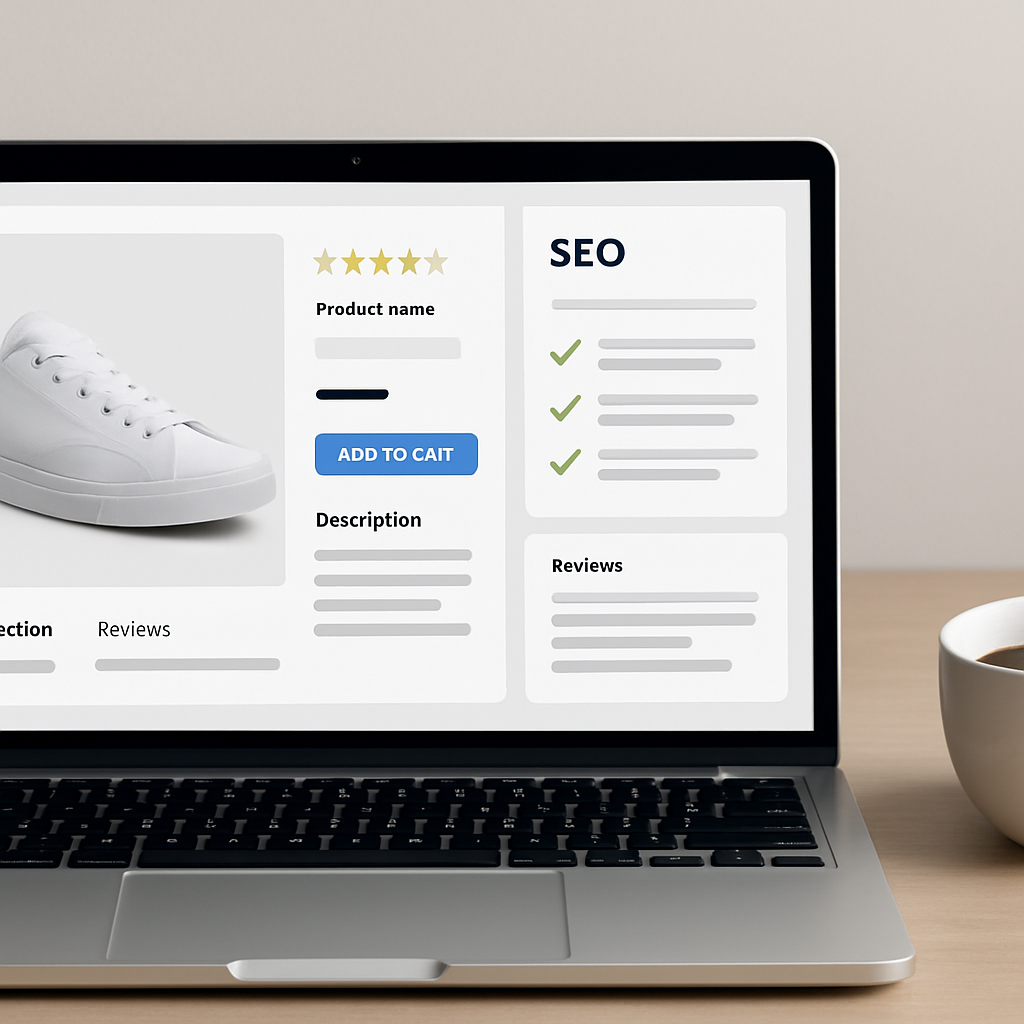
6. Building Relevant Internal Links
Add links to complementary categories, top brands in your catalog, or blog articles that provide extra value. This enhances both user experience and SEO performance.
If you offer bamboo accessories, link to your eco accessories category or a blog post about bamboo care.
7. Encouraging Interaction and Conversion
Make adding to cart easy, incentivize account creation with discounts, and suggest personalized recommendations (upsell or cross-sell). Chrono SEO can automate social posts to promote your best products and re-engage hesitant leads.
Common SEO Mistakes to Avoid on Product Pages
- Duplicate content (copied from other sites or between products)
- Missing unique title or meta descriptions
- Descriptions that are too short or generic
- Poor quality images or missing alt attributes
- Lack of internal linking or irrelevant links
- Unmoderated or missing customer reviews
- Not testing on mobile (poor user experience)
Spotlight on SEO Automation with Chrono SEO
Automating your product page SEO saves valuable time and ensures consistency across your catalog. Chrono SEO seamlessly integrates with PrestaShop, WooCommerce, Shopify, and Magento, offering advanced features:
- Automatic analysis of title and meta description quality
- Keyword and enriched content suggestions
- Tailored generation of long and short descriptions
- Optimized internal link creation based on your site’s strategy
- Automatic blog and social post publication to showcase your products
Thanks to automation, even large catalogs stay up-to-date, relevant, and SEO-friendly, with no technical effort required.
Practical Example: Optimizing a Fashion Product Page
Let’s imagine a page for a “men’s organic t-shirt”:
- Title: Men’s Organic Cotton T-Shirt – Comfort & Style
- Secondary keywords: eco t-shirt, sustainable clothing, certified organic cotton
- Short description: 100% organic cotton men’s t-shirt, ethically made, very comfortable.
- Long description: This men’s organic t-shirt combines comfort and environmental responsibility. Made from GOTS certified cotton, it’s exceptionally soft and holds its shape after washing. Available in multiple colors, it suits every body type. Perfect for a stylish, responsible wardrobe.
- Image alt tag: men’s organic t-shirt sustainable cotton eco-friendly fashion
- Internal links: To the ethical clothing category and a post about sustainable fashion.
Advanced Tips for High-Converting Product Pages
- Highlight your unique value proposition: why should shoppers buy this product?
- Use action verbs, engaging language, and storytelling to connect emotionally with buyers.
- Include integrated FAQs to address last-minute buyer questions.
- Update content for seasons, trends, or special promotions.
- Regularly monitor performance with Google Analytics or Chrono SEO’s tracking dashboard.
Frequently Asked Questions About Product Page SEO Optimization
Use keyword research tools, analyze buyer intent, and focus on phrases that signal a clear purchase intention. Include synonyms and variations to broaden your reach.
A good short description should be 1–2 catchy sentences. A long description should be 150–300 words, detailing advantages, uses, and features.
Yes, customer reviews boost trust, add valuable content, and improve search visibility—especially via star ratings in rich snippets.
Write unique descriptions for every product, even similar ones. Avoid copy-pasting manufacturer text.
Internal linking helps search engines understand your site structure and guides users to other relevant pages, boosting your catalog’s overall visibility.
Conclusion: Turn Every Product Page Into an SEO Asset
SEO optimization of product pages is a must for any e-commerce store that wants to stand out. By following these best practices, you’ll improve your product visibility, increase conversion rates, and deliver a top-notch user experience. Don’t hesitate to use solutions like Chrono SEO to automate, personalize, and supercharge your SEO, saving precious time on daily catalog management.
Ready to transform your product pages and boost your online store? Explore all Chrono SEO features and start optimizing today!